Dark theme
WELCOME TO QQUANTUM

Let Qubi show you around.

Choose how you’d like to explore.

Don’t agreeGo to yourOS instead ↗

Both choices allow Google Analytics, so we can see which pages help.

Sound is your choice. Essential cookies keep the site working. Continuing either way also allows Google Analytics (visits and pages viewed).

Read our Terms, Privacy and Cookies.

Change your choices anytime from the footer.

Getting Qubi ready.
AI agent style training

A style your agents can carry.

We turn approved examples, design decisions and feedback into a visual language an agent can follow. A designer sets the direction, explores the alternatives and decides what belongs.

All Creative Design →
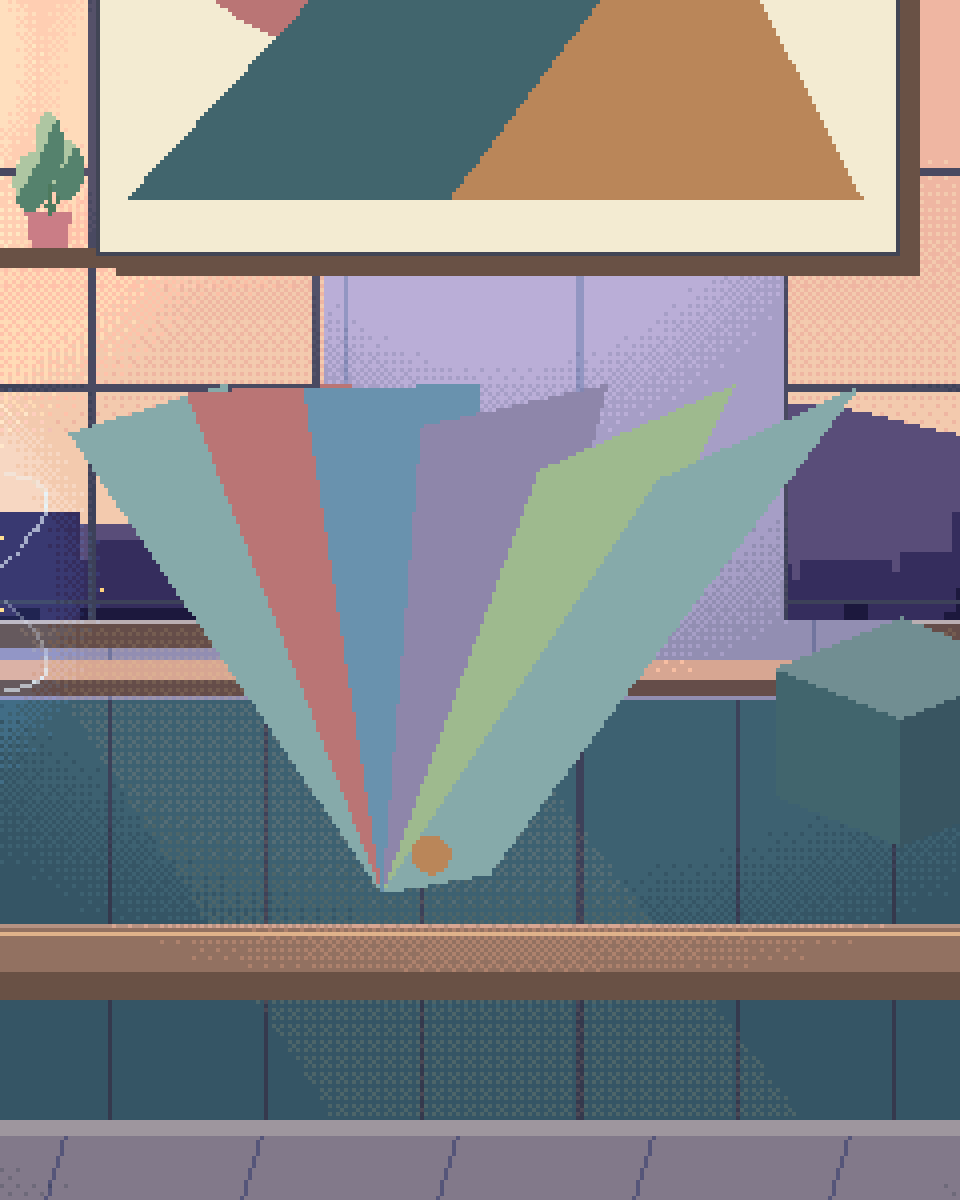
Pixel illustration for AI Agent Style Training: a fan of colour swatches beside a repeatable pattern.
From idea to system

The idea comes before the instructions.

We explore different answers to the brief, choose a direction, then make the decisions explicit enough to reuse. The agent gets examples and boundaries; the designer keeps creative judgement.

  • 01

    Frame the brief

    The name, audience, task and desired character. We look at your existing work and agree what should carry forward.

  • 02

    Explore directions

    Give the agent distinct ideas to investigate. Compare concept, lettering, composition and motion, then curate the strongest.

  • 03

    Make the rules

    Resolve the chosen direction into type, colour, spacing, components and interaction behaviour, with approved examples.

  • 04

    Test a fresh brief

    Ask for a new page or asset, review it against the references, and feed specific corrections back into the guidance.

Examples from our work

Different briefs. Different visual languages.

These teaching briefs are concise examples distilled from the finished projects and their documented directions. They show the idea, the rules an agent should receive and the questions we use to review the result.

The Coral.com design that the style example describes
Coral.com

Start with a word. Find a world.

A naturalist’s field notebook

Example creative brief
Make Coral feel alive. Explore the name through its letterforms, the reef and the way a specimen is studied. Give each direction its own idea.
Exploration → selected direction
Ten concepts across two rounds led to living script and a field-notes page: a specimen, a museum tag and an illustrated reef.
Rules the agent receives
  • Carry the script’s ink line into the illustrations.
  • Use warm paper, specimen labels and generous reading space.
  • Let the lettering write in; let its living tips respond to hover.
The human review
Does the page belong to this name? Do the drawing, typography and motion feel like one notebook?
See the Coral.com project ↗
The Coherence design that the style example describes
Coherence

Turn an abstract idea into a behaviour.

Three waves, moving into phase

Example creative brief
Express coherence through alignment. Explore how separate signals can become one shared rhythm, then carry that idea beyond the mark.
Exploration → selected direction
The selected Phase Lock direction brings three offset waves into alignment. The same idea appears in the headline, navigation and page reveals.
Rules the agent receives
  • Keep the wave geometry and the cyan-to-blue phase palette.
  • Arrive out of phase, then align and settle.
  • Use the same motion rhythm across the mark and interface; provide a calm reduced-motion version.
The human review
Does the movement explain the idea? Does the page remain clear when the movement stops?
See the Coherence project ↗
The Domainbooth design that the style example describes
Domainbooth

Keep the character across every page.

The Signature identity

Example creative brief
Give a premium domain brokerage a distinctive signature. Explore the monogram and the feeling of a mark made with a pen, then build a legible site around it.
Exploration → selected direction
The chosen Signature direction pairs a serif DB monogram with an open ring and a pen-dot. The identity continues into the brokerage’s pages and sales ledger.
Rules the agent receives
  • Preserve the DB drawing, open ring and full stop.
  • Use the ivory, midnight and champagne palette with the serif wordmark.
  • Carry hairline rules, readable tables and designed mobile layouts through the site.
The human review
Can a new page sit beside Acquire, Sell and Track Record without feeling like a different brand?
See the Domainbooth project ↗
The yourOS design that the style example describes
yourOS

Give a product a recognisable language.

The open ring, in a red-and-cream world

Example creative brief
Make a capable operating system feel personal. Keep the presentation warm and direct, and use the open ring as a consistent thread through the experience.
Exploration → selected direction
“Yours” becomes yourOS. The ring belongs inside the word; its arrival, hover and winding gesture connect the identity to the product’s loading language.
Rules the agent receives
  • Keep the approved ring, central dot and wordmark proportions.
  • Use Jost Light for the mark, with warm red and cream.
  • Group capabilities into clear entry points and reuse the ring’s motion vocabulary.
The human review
Is it recognisably yourOS at a glance, from a small symbol to a full product page?
See the yourOS project ↗
What becomes reusable

More than a prompt to copy.

  • 01

    Approved references

    The marks, screens, illustrations and examples that define the chosen direction, with notes explaining the decisions worth keeping.

  • 02

    A working style guide

    Typography, colour, layout, spacing, components and motion rules, plus example briefs and specific feedback for the agents doing the work.

  • 03

    A review method

    A new page or asset checked for recognisability, clarity, consistency, responsive behaviour and accessibility before the guidance is handed over.

Questions

Questions about agent style training.

How do you get beyond generic ideas?

We give each direction a specific premise and compare distinct answers. Coral’s field notebook and Protocol’s network are examples: the name gives the work a reason for its drawing, layout and motion. A designer selects and refines the direction.

Can you work with a style we already have?

Yes. We start with your approved assets and guidelines, identify the decisions that make them recognisable, and build examples and review criteria around that existing language.

Does this always mean fine-tuning an image model?

The method follows the brief. Design and coding agents can work from approved references, explicit instructions, reusable components and review feedback. A dedicated image-model fine-tune has its own dataset, training and evaluation work, which we scope separately. The project examples above demonstrate our art direction and style guidance.

Who decides whether the output is good enough?

A person. We compare variations against the brief and approved examples, make specific corrections and test the style on fresh work. The goal is a useful creative system your team can review and extend.

Give your agents
a clear direction.

Bring your brand, your references or the idea you want to explore. We will shape the brief and the style system around it.

A conversation about your creative workflow

Shipped & in build

Real work. Check it yourself.

What we built, what stage it is at, and a link to the live thing wherever there is one.

The updated yourOS homepage: Roxy’s open ring surrounded by bento cards for calls, voice, translation, building, design, apps and more.
The yourOS homepage on a phone, with its compact navigation, welcome film button and bento cards.
youros.tech — the homepage bento hero
Our own · coming soon

yourOS

yourOS is an operating system with an AI at its heart. You talk to it like a person, out loud or typed. It makes your calls, plans your days and works on your projects with a crew of agents, on your own private server. Our own product, built from the first commit; the waitlist is open.


What we built
  • Operating system
  • Roxy
  • Agent crew
  • Voice calls
  • App store
  • Website
Meet yourOS →
The Sonora homepage on desktop: a full-bleed dune landscape behind the headline “Transform Your Life with Sound”, with App Store and Google Play download buttons.
The Sonora homepage on a mobile viewport, showing the same hero reflowed to a single column.
sonora.com — homepage, 1440×900
Live · iOS · Android

Sonora

Website, backend and app assets for Sonora, a free AI sound-therapy app on iOS and Android published by Cognitive AI.

What we built
  • Website
  • Backend
  • App assets
Read the case study →
The updated Podswap homepage on desktop: “Grow on Instagram and TikTok for free, with real engagement from creators your size”, beside a tilted wall of exchange, tool and guide cards on a violet gradient.
The updated Podswap homepage on a phone, with its floating navigation, Instagram and TikTok engagement headline and tilted tool cards.
podswap.app — homepage, 1440×900
Five platforms

Podswap

Brand, website, prototype, apps on five platforms, the AI backend and the algorithm-intelligence pipeline for Podswap, a social growth engine that runs without a human in the loop.


What we built
  • Brand
  • Website
  • Prototype
  • Apps on five platforms
  • AI backend
  • Algorithm pipeline
Read the case study →
The unOpen.AI homepage introducing Roxy, a private AI assistant that remembers who you are.
The unOpen.AI homepage on a mobile viewport.
unopen.ai — homepage, 1440×900
Prototype · closed beta

unOpen.AI

In closed beta: Roxy, a private AI assistant with permanent memory running on infrastructure the user owns. Brand, site, product, backend and conversational design.

What we built
  • Brand
  • Site
  • Product
  • Backend
  • Conversational design
Read the case study →
coherence.com on desktop, headed "Intelligence that moves in phase with people".
coherence.com on a mobile viewport, reflowed to a single column.
coherence.com — homepage, 1440×900
Live

Coherence

Live at coherence.com: brand identity generated with AI agents we directed, the motion system and website for the group behind Sonora, AboutAI, WakeUp and MudShadows. Agent work remains in build.

What we built
  • Brand identity
  • Motion system
  • Live website
  • Agent work — in build
Read the case study →
The new Domain Booth homepage on desktop: the headline “Premium Domains. Serious Buyers. Proven Results.” beside the animated DB monogram.
The new Domain Booth homepage on a phone, reflowed to a single column.
Our build of the Domain Booth homepage — 1440×900
Live

Domain Booth

Live at domainbooth.com for DomainBooth, a premium domain brokerage: a new animated mark, every page redesigned and rebuilt with designed mobile layouts, and a custom CMS for its sales record, featured names, press and enquiries.

What we built
  • Animated mark
  • Every page redesigned
  • Designed mobile layouts
  • Custom CMS
Read the case study →
Who we have built for

Twenty-one years. Names you know.

Apps, platforms and campaigns for these teams, long before the AI work. Every one is written up on the work page — what we did, and where our part ended.


See all of our work →
  • BBC Good Food logo
  • Charities Aid Foundation logo
  • GAME logo
  • NatWest logo
  • Next logo
  • NSPCC logo
  • Tesco logo
  • Worldpay logo
  • Samsung logo
  • Sony logo
  • Land Rover logo
  • UAP Limited logo
  • Netflix logo
  • Amazon Prime Video logo
  • Mercedes-Benz dealerships logo
  • San Miguel logo
  • Biovene Barcelona logo
  • Seventy7 logo
  • Littlewoods logo
  • Smile logo
  • The Co-operative Bank logo
















