Dark theme
WELCOME TO QQUANTUM

Let Qubi show you around.

Choose how you’d like to explore.

Don’t agreeGo to yourOS instead ↗

Both choices allow Google Analytics, so we can see which pages help.

Sound is your choice. Essential cookies keep the site working. Continuing either way also allows Google Analytics (visits and pages viewed).

Read our Terms, Privacy and Cookies.

Change your choices anytime from the footer.

Getting Qubi ready.
Service

Internal Ops Agents.

Your tools. One workflow.

All Autonomous Employees →
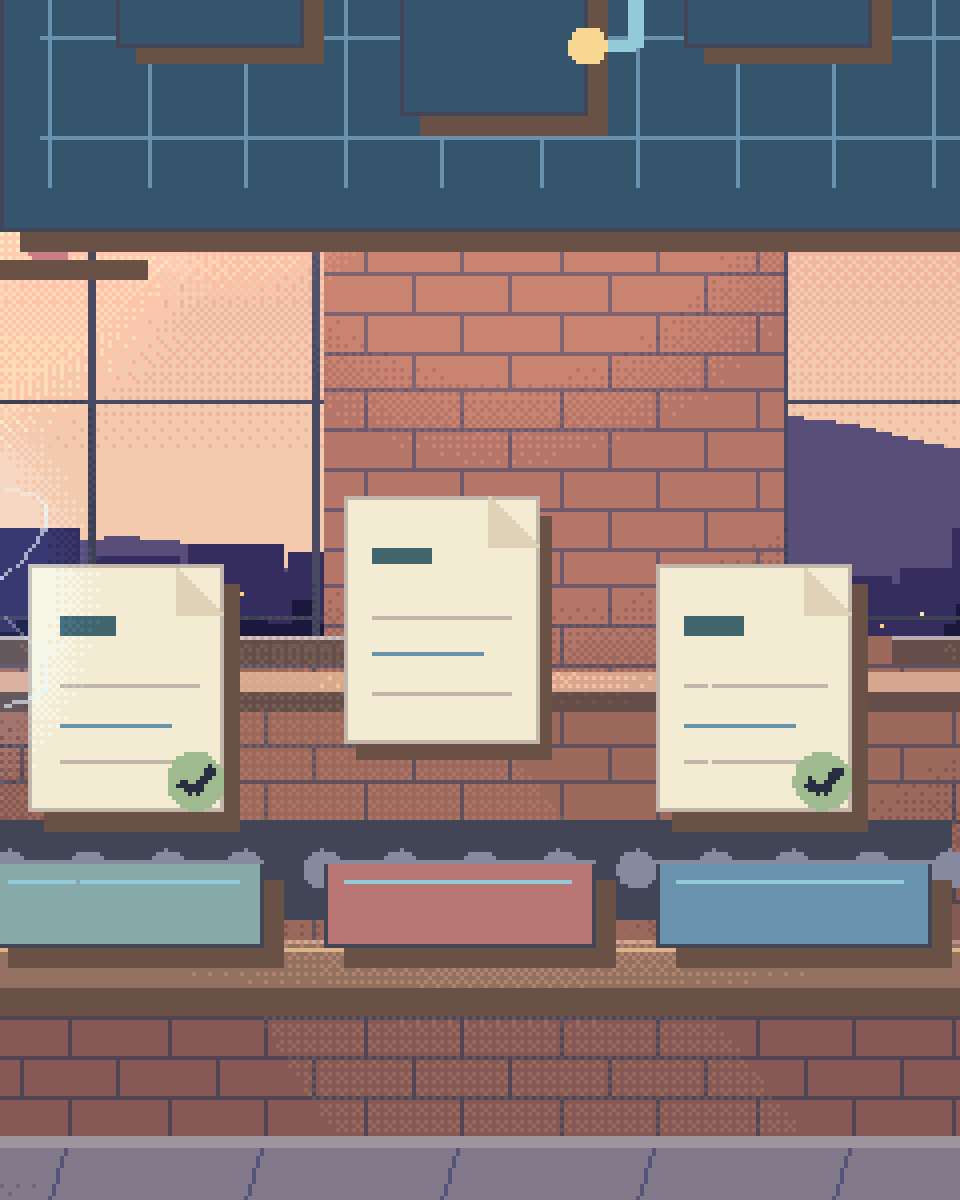
Pixel illustration for AI Internal Operations: request cards organised into distinct handling trays.
Service overview

Free your staff from repetitive administrative tasks. Internal Ops Agents live in Slack and Teams, orchestrating cross-platform workflows and executing complex multi-step processes on command.

Operational workflows

01

Cross-Platform Syncing

Agents act as intelligent middleware, keeping Salesforce, Jira, Trello and internal databases in step without the fragility of point-to-point no-code connectors.
02

Slack/Teams Native

Interact with your agents directly where you work. Mention an agent in Slack to create a Jira ticket, draft a contract for your legal team to review, or check project status. We do not provide legal advice; drafts are drafts.
03

Automated Data Entry

Extract unstructured data from emails, PDFs, and meeting transcripts, then map and write it into your structured ERP/CRM systems, with low-confidence fields routed to a person.
04

Approval Routing

Agents can autonomously route expense reports, leave requests, and vendor contracts to the appropriate stakeholders, tracking bottlenecks and sending reminders.
ANALYSIS

How Autonomous Ops Agents Orchestrate Enterprise Workflows

Internal operations is the invisible scaffolding that holds every enterprise together — and it's collapsing under the weight of manual processes, fragmented tooling, and relentless context switching. A large share of an operations team's week goes on work that requires no strategic thinking: routing Jira tickets, chasing procurement approvals, generating status reports, manually syncing data between disconnected platforms. Internal ops agents are engineered to absorb that substrate and execute multi-step workflows at a pace a human team cannot sustain, with every step logged.

AI procurement automation represents a fundamental reimagining of how enterprises handle vendor management, purchase orders, and spend tracking. The ops agent receives a procurement request via Slack or email, automatically validates it against budget policies and approval hierarchies, generates the purchase order with the correct GL codes and cost center allocations, routes it to the appropriate approvers based on spend thresholds, and follows up on bottlenecks with automated reminders. What traditionally takes days and multiple email threads becomes a single auditable workflow that can complete in hours where approvers respond promptly, with the documentation generated as it goes.

Jira automation through AI goes far beyond simple ticket creation. The ops agent monitors incoming requests across Slack channels, email inboxes, and form submissions, then intelligently classifies each item by project, priority, component, and assignee. It understands the difference between a bug report, a feature request, and an infrastructure alert — applying the correct labels, linking related issues, estimating story points based on historical patterns, and slotting items into the appropriate sprint backlog. For engineering teams drowning in ticket triage, this classification takes hours of weekly overhead off the team and makes the ones still waiting visible.

Document generation turns the agent into a tireless drafter. From SOW and NDA templates to meeting summaries and quarterly business reviews, the ops agent produces first drafts by pulling data from your CRM, project management tools and financial systems. Anything with legal effect goes to your legal team for review before it is signed — the agent drafts, it does not advise. Each document follows your brand templates, includes the correct stakeholder names and figures, and is automatically distributed to the relevant parties for review. The agent even tracks version history and approval status, creating an auditable paper trail designed to support your internal-audit requirements without manual file management.

Workflow automation ties every capability together. The ops agent orchestrates cross-platform workflows that span your entire tool stack. A single Slack command can trigger a chain: create a Jira epic, generate the project brief in Confluence, allocate budget in your financial system, schedule the kickoff meeting in Google Calendar, and notify all stakeholders with a formatted summary. This is not integration middleware. This is an intelligent agent that understands organizational context, adapts to exceptions, and learns your team's preferences over time.
HOW IT DEPLOYS
PHASE 01

Integrate & ingest

Tools are connected, organizational policies ingested, and approval hierarchies mapped — the agent learns how your operation actually runs.

PHASE 02

Configure & test

Procurement, ticketing, documentation and approval workflows are configured and validated with your team under human oversight.

PHASE 03

Operate & learn

The agent handles live workflows inside agreed guardrails, refining its prioritisation with every decision your team makes.

Questions

Questions about AI Internal Operations.

What internal tools do ops agents integrate with?

Our internal ops agents integrate natively with the enterprise tools your team already uses: Slack, Microsoft Teams, Jira, Confluence, Asana, Trello, Google Workspace, Salesforce, HubSpot, SAP, NetSuite, QuickBooks, and many more through their APIs. The agents operate bidirectionally — they read from and write to these platforms — enabling true cross-platform workflow automation rather than simple one-way notifications.

Can they handle procurement workflows?

Yes. The ops agent manages the entire procurement lifecycle: receiving and validating requests, checking budget availability and policy compliance, generating purchase orders with correct GL codes, routing approvals based on spend thresholds and organizational hierarchy, tracking delivery status, and reconciling invoices. What typically takes days of manual email chains can complete in hours where approvers respond promptly, with the audit trail and documentation generated as it goes.

How do they prioritise tasks?

The agent uses a multi-dimensional prioritization engine that considers urgency, business impact, requester seniority, deadline proximity, dependency chains, and historical patterns. For Jira tickets, it analyzes incoming requests to classify by type (bug, feature, infrastructure), assigns priority levels, estimates effort based on similar past tickets, and routes to the correct team and sprint. The prioritization model is continuously refined based on your team's actual decisions and feedback.

What's the setup time?

Most internal ops agents are deployed and operational within 2-3 weeks. The first week covers integration setup — connecting your tools, ingesting organizational policies, and mapping approval hierarchies. The second week involves workflow configuration and testing with your team. By week three the agent is handling live workflows with human oversight. Autonomy is then expanded within agreed guardrails as the agent learns your team's patterns — expanded, not removed: a person stays accountable for what the agent does.

How do internal ops agents differ from no-code automation?

Generic no-code connectors are good at what they are for: fixed, well-defined mappings between two systems. They struggle when the input is unstructured, when an exception needs judgement, or when a workflow spans many systems with branching logic. An internal ops agent uses a language model to read unstructured requests, handle exceptions and execute multi-step cascading workflows. Use the no-code tool where it fits; we build the agent where it does not.

Are the agent's actions secure and auditable?

Yes. Every action the agent takes is permission-scoped through your existing role hierarchy, logged with timestamps, and fully auditable. Sensitive operations — high-value purchase orders, contract approvals, data deletions — can be gated behind human approval steps, and complete activity trails are designed to support your compliance and internal-audit requirements.

Take back the
busywork.

Hand the administrative substrate to agents that log every step, and keep your people on the work that needs judgement.

30-minute technical call · no deck

Shipped & in build

Real work. Check it yourself.

What we built, what stage it is at, and a link to the live thing wherever there is one.

The updated yourOS homepage: Roxy’s open ring surrounded by bento cards for calls, voice, translation, building, design, apps and more.
The yourOS homepage on a phone, with its compact navigation, welcome film button and bento cards.
youros.tech — the homepage bento hero
Our own · coming soon

yourOS

yourOS is an operating system with an AI at its heart. You talk to it like a person, out loud or typed. It makes your calls, plans your days and works on your projects with a crew of agents, on your own private server. Our own product, built from the first commit; the waitlist is open.

What we built
  • Operating system
  • Roxy
  • Agent crew
  • Voice calls
  • App store
  • Website
Meet yourOS →
The Sonora homepage on desktop: a full-bleed dune landscape behind the headline “Transform Your Life with Sound”, with App Store and Google Play download buttons.
The Sonora homepage on a mobile viewport, showing the same hero reflowed to a single column.
sonora.com — homepage, 1440×900
Live · iOS · Android

Sonora

Website, backend and app assets for Sonora, a free AI sound-therapy app on iOS and Android published by Cognitive AI.

What we built
  • Website
  • Backend
  • App assets
Read the case study →
The updated Podswap homepage on desktop: “Grow on Instagram and TikTok for free, with real engagement from creators your size”, beside a tilted wall of exchange, tool and guide cards on a violet gradient.
The updated Podswap homepage on a phone, with its floating navigation, Instagram and TikTok engagement headline and tilted tool cards.
podswap.app — homepage, 1440×900
Five platforms

Podswap

Brand, website, prototype, apps on five platforms, the AI backend and the algorithm-intelligence pipeline for Podswap, a social growth engine that runs without a human in the loop.

What we built
  • Brand
  • Website
  • Prototype
  • Apps on five platforms
  • AI backend
  • Algorithm pipeline
Read the case study →
The unOpen.AI homepage introducing Roxy, a private AI assistant that remembers who you are.
The unOpen.AI homepage on a mobile viewport.
unopen.ai — homepage, 1440×900
Prototype · closed beta

unOpen.AI

In closed beta: Roxy, a private AI assistant with permanent memory running on infrastructure the user owns. Brand, site, product, backend and conversational design.

What we built
  • Brand
  • Site
  • Product
  • Backend
  • Conversational design
Read the case study →
coherence.com on desktop, headed "Intelligence that moves in phase with people".
coherence.com on a mobile viewport, reflowed to a single column.
coherence.com — homepage, 1440×900
Live

Coherence

Live at coherence.com: brand identity generated with AI agents we directed, the motion system and website for the group behind Sonora, AboutAI, WakeUp and MudShadows. Agent work remains in build.

What we built
  • Brand identity
  • Motion system
  • Live website
  • Agent work — in build
Read the case study →
The new Domain Booth homepage on desktop: the headline “Premium Domains. Serious Buyers. Proven Results.” beside the animated DB monogram.
The new Domain Booth homepage on a phone, reflowed to a single column.
Our build of the Domain Booth homepage — 1440×900
Live

Domain Booth

Live at domainbooth.com for DomainBooth, a premium domain brokerage: a new animated mark, every page redesigned and rebuilt with designed mobile layouts, and a custom CMS for its sales record, featured names, press and enquiries.

What we built
  • Animated mark
  • Every page redesigned
  • Designed mobile layouts
  • Custom CMS
Read the case study →
Who we have built for

Twenty-one years. Names you know.

Apps, platforms and campaigns for these teams, long before the AI work. Every one is written up on the work page — what we did, and where our part ended.

See all of our work →
  • BBC Good Food logo
  • Charities Aid Foundation logo
  • GAME logo
  • NatWest logo
  • Next logo
  • NSPCC logo
  • Tesco logo
  • Worldpay logo
  • Samsung logo
  • Sony logo
  • Land Rover logo
  • UAP Limited logo
  • Netflix logo
  • Amazon Prime Video logo
  • Mercedes-Benz dealerships logo
  • San Miguel logo
  • Biovene Barcelona logo
  • Seventy7 logo
  • Littlewoods logo
  • Smile logo
  • The Co-operative Bank logo























