Dark theme
WELCOME TO QQUANTUM

Let Qubi show you around.

Choose how you’d like to explore.

Don’t agreeGo to yourOS instead ↗

Both choices allow Google Analytics, so we can see which pages help.

Sound is your choice. Essential cookies keep the site working. Continuing either way also allows Google Analytics (visits and pages viewed).

Read our Terms, Privacy and Cookies.

Change your choices anytime from the footer.

Getting Qubi ready.
SaaS

Developer experience.
Answers from the API.

Developer support has an unusual property: the correct answer is almost always derivable from artefacts you already own — the OpenAPI spec, the SDK source, the changelog. A system that answers from prose documentation is working from a lossy copy.

All SaaS & Technology →
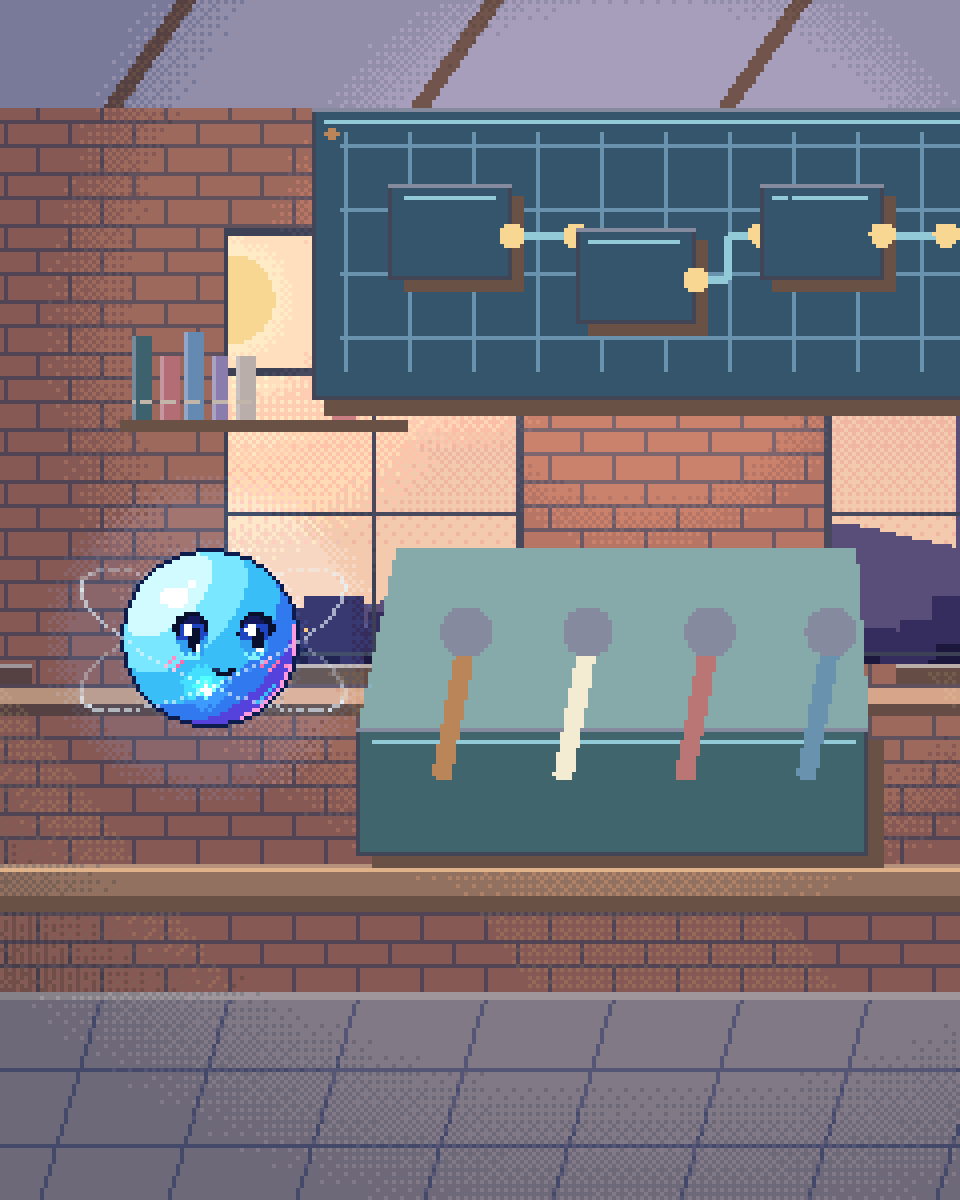
Pixel illustration for Developer Experience: an open toolkit of connectors, components and documented tools.

Ground it in the spec

Most documentation assistants index the docs site. That inherits every problem the docs have: pages describing a deprecated parameter, an example that stopped working two releases ago, a guide written against the previous major version. The assistant then reproduces those errors confidently, and a developer wastes an hour before discovering the documentation was wrong rather than their code.

The alternative is to ground the system in machine-readable sources of truth: the API specification, the SDK source, the type definitions, the changelog, the migration guides. Those are generated from or checked against the running system, so they are correct by construction in a way prose is not.

Prose documentation still matters — it carries intent and idiom that a spec cannot. But it is a secondary source, and where the two disagree the spec wins and the system should say so. That single ordering removes most of the ways a developer assistant misleads people.

What it should do

01

Generate working examples

In the caller's language, against the current spec, with their actual parameters. Better still, validate the generated call against the spec before returning it — a syntactically checked example is worth several prose paragraphs.
02

Diagnose an error response

A developer pastes a status code and payload; the system explains what triggers it in your API specifically and what to change. This is often the highest-value single interaction in developer support.
03

Version-aware answers

Answering for the version the developer is on, not the latest. Most developer frustration with documentation is a version mismatch, and this is one of the few places a retrieval system can fix it cleanly.
04

Surface the documentation gaps

Every question the system answers badly is a documentation defect with a log entry. Feeding that back is often worth more than the assistant itself, because it improves the source everyone else reads too.

The indexing discipline

Reindex on release, automatically, as part of the pipeline. An assistant that lags the API by a sprint is generating wrong answers on purpose, and the lag is invisible to users until they are already confused.

Chunk code and specs structurally rather than by character count. An endpoint definition split in half mid-schema retrieves badly and reads worse. This is one of the largest quality levers in a developer-docs retrieval system and it is a parsing decision rather than a model one.

And measure with real questions from your support channels, not invented ones. The distribution of what developers actually ask is quite different from what a docs team expects, and it is sitting in your ticket history waiting to become an evaluation set.

Grounded in the spec

ANSWER PATH
  1. 01
    Developer question

    or a pasted error

  2. 02
    Resolve version

    answer for their version

  3. 03
    Retrieve

    spec · SDK · changelog first

  4. 04
    Generate example

    in their language

  5. 05
    Validate

    against the spec before returning

  6. 06 · Branch / escalation
    Bad answer

    logged as a docs defect

Solid: the grounded answer pathDashed: the loop that improves the documentation itself
The API specification and SDK source are correct by construction when generated from the running system. Prose documentation is a secondary source, and where they disagree the spec wins.
Questions

Questions about Developer Experience.

Should this replace our support engineers?

No. It should absorb the repeated questions — authentication, pagination, common errors, version differences — so support engineers spend their time on the genuinely hard integration problems, which is both better use of them and the part developers most value talking to a human about.

Can it write code against our API?

It can generate examples and integration snippets, validated against the spec. Treat them as a starting point rather than production code — which is exactly how developers treat documentation examples anyway.

What about our private or beta APIs?

Access-controlled retrieval, so a developer sees only what their account is entitled to. That is a permission boundary in the retrieval layer rather than a prompt instruction, for the same reason as everywhere else on this site: a prompt is not a security control.

The spec is the
source of truth.

Index the artefacts that are correct by construction. The docs site is a secondary source.

30-minute technical call · no deck

Shipped & in build

Real work. Check it yourself.

What we built, what stage it is at, and a link to the live thing wherever there is one.

The updated yourOS homepage: Roxy’s open ring surrounded by bento cards for calls, voice, translation, building, design, apps and more.
The yourOS homepage on a phone, with its compact navigation, welcome film button and bento cards.
youros.tech — the homepage bento hero
Our own · coming soon

yourOS

yourOS is an operating system with an AI at its heart. You talk to it like a person, out loud or typed. It makes your calls, plans your days and works on your projects with a crew of agents, on your own private server. Our own product, built from the first commit; the waitlist is open.


What we built
  • Operating system
  • Roxy
  • Agent crew
  • Voice calls
  • App store
  • Website
Meet yourOS →
The Sonora homepage on desktop: a full-bleed dune landscape behind the headline “Transform Your Life with Sound”, with App Store and Google Play download buttons.
The Sonora homepage on a mobile viewport, showing the same hero reflowed to a single column.
sonora.com — homepage, 1440×900
Live · iOS · Android

Sonora

Website, backend and app assets for Sonora, a free AI sound-therapy app on iOS and Android published by Cognitive AI.

What we built
  • Website
  • Backend
  • App assets
Read the case study →
The updated Podswap homepage on desktop: “Grow on Instagram and TikTok for free, with real engagement from creators your size”, beside a tilted wall of exchange, tool and guide cards on a violet gradient.
The updated Podswap homepage on a phone, with its floating navigation, Instagram and TikTok engagement headline and tilted tool cards.
podswap.app — homepage, 1440×900
Five platforms

Podswap

Brand, website, prototype, apps on five platforms, the AI backend and the algorithm-intelligence pipeline for Podswap, a social growth engine that runs without a human in the loop.

What we built
  • Brand
  • Website
  • Prototype
  • Apps on five platforms
  • AI backend
  • Algorithm pipeline
Read the case study →
The unOpen.AI homepage introducing Roxy, a private AI assistant that remembers who you are.
The unOpen.AI homepage on a mobile viewport.
unopen.ai — homepage, 1440×900
Prototype · closed beta

unOpen.AI

In closed beta: Roxy, a private AI assistant with permanent memory running on infrastructure the user owns. Brand, site, product, backend and conversational design.

What we built
  • Brand
  • Site
  • Product
  • Backend
  • Conversational design
Read the case study →
coherence.com on desktop, headed "Intelligence that moves in phase with people".
coherence.com on a mobile viewport, reflowed to a single column.
coherence.com — homepage, 1440×900
Live

Coherence

Live at coherence.com: brand identity generated with AI agents we directed, the motion system and website for the group behind Sonora, AboutAI, WakeUp and MudShadows. Agent work remains in build.

What we built
  • Brand identity
  • Motion system
  • Live website
  • Agent work — in build
Read the case study →
The new Domain Booth homepage on desktop: the headline “Premium Domains. Serious Buyers. Proven Results.” beside the animated DB monogram.
The new Domain Booth homepage on a phone, reflowed to a single column.
Our build of the Domain Booth homepage — 1440×900
Live

Domain Booth

Live at domainbooth.com for DomainBooth, a premium domain brokerage: a new animated mark, every page redesigned and rebuilt with designed mobile layouts, and a custom CMS for its sales record, featured names, press and enquiries.

What we built
  • Animated mark
  • Every page redesigned
  • Designed mobile layouts
  • Custom CMS
Read the case study →
Who we have built for

Twenty-one years. Names you know.

Apps, platforms and campaigns for these teams, long before the AI work. Every one is written up on the work page — what we did, and where our part ended.

See all of our work →
  • BBC Good Food logo
  • Charities Aid Foundation logo
  • GAME logo
  • NatWest logo
  • Next logo
  • NSPCC logo
  • Tesco logo
  • Worldpay logo
  • Samsung logo
  • Sony logo
  • Land Rover logo
  • UAP Limited logo
  • Netflix logo
  • Amazon Prime Video logo
  • Mercedes-Benz dealerships logo
  • San Miguel logo
  • Biovene Barcelona logo
  • Seventy7 logo
  • Littlewoods logo
  • Smile logo
  • The Co-operative Bank logo





















