Dark theme
WELCOME TO QQUANTUM

Let Qubi show you around.

Choose how you’d like to explore.

Don’t agreeGo to yourOS instead ↗

Both choices allow Google Analytics, so we can see which pages help.

Sound is your choice. Essential cookies keep the site working. Continuing either way also allows Google Analytics (visits and pages viewed).

Read our Terms, Privacy and Cookies.

Change your choices anytime from the footer.

Getting Qubi ready.
Enterprise

AI readiness assessment:
are you ready to deploy?

Readiness is not about enthusiasm or budget. It is about whether your data is reachable, your processes are describable, and someone can say what a correct output looks like.

  • 2–4 weeks
  • Fixed fee
  • Written deliverable
All AI for Enterprise →
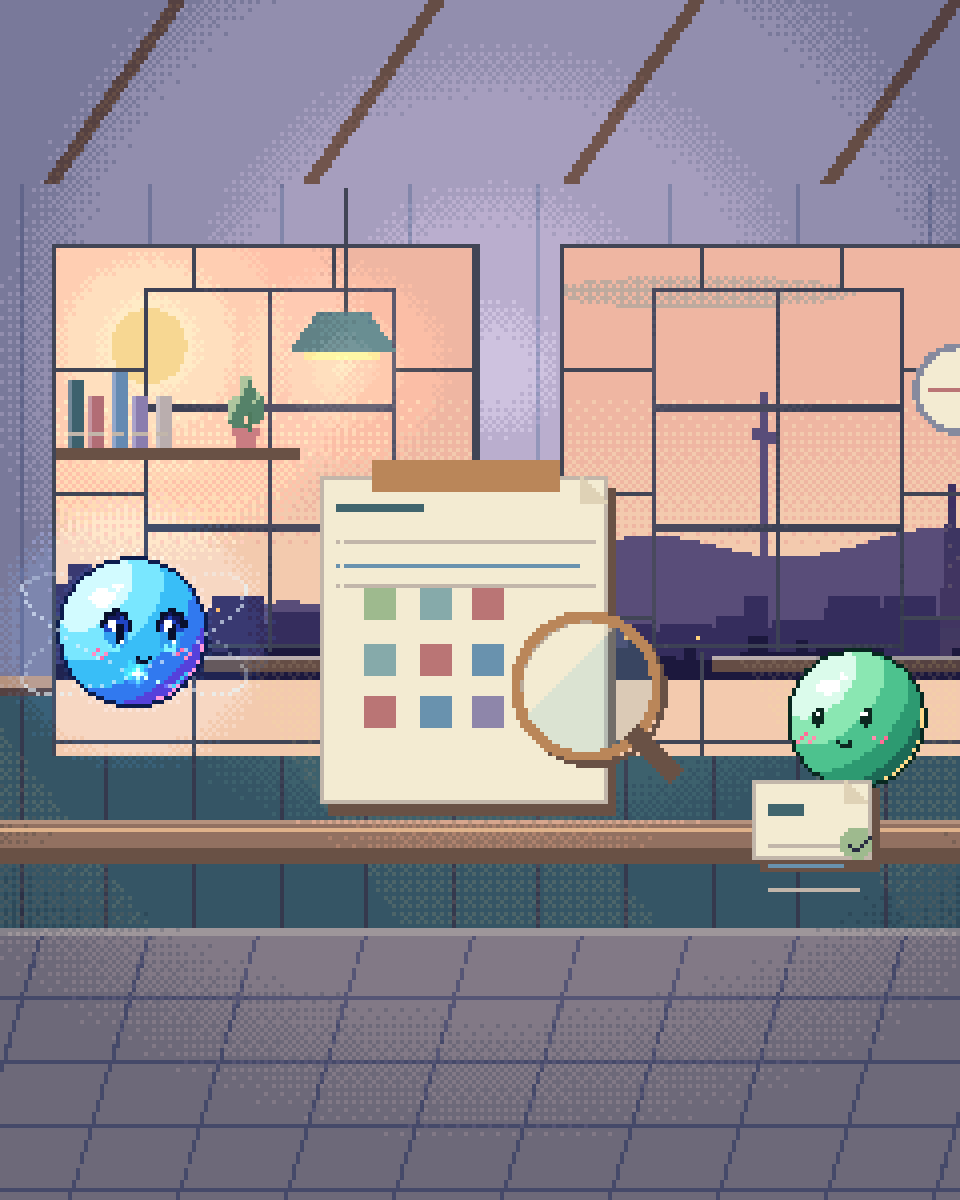
Pixel illustration for AI Readiness Assessment: an assessment clipboard with a lens and sample materials.

What we assess

01

Data reachability

Not "do you have data" — everyone does. Can a service authenticate against it, at the granularity needed, with permissions intact, without a six-month integration project? This is the most common blocker and the least commonly anticipated.
02

Process legibility

Can someone write down how the decision is currently made? Where the rule is genuinely tacit expert judgement, an AI system needs a different design — and a much larger evaluation effort — than where a documented policy exists.
03

Evaluation capacity

Is there a person who can produce a hundred labelled examples of correct output, and will their judgement be accepted by the people who sign off? Without that, quality is unresolvable.
04

Governance and constraints

Data residency, approved model providers, audit requirements, works-council or regulatory obligations. These narrow the architecture, so they belong at the start.
05

Unit economics

What the current process costs per unit, and what an AI system would cost at real volume. Some genuinely good use cases fail here, and it is cheaper to learn that now.
06

Adoption path

Who changes how they work, and what happens to their day. A technically successful system that nobody adopts is a failed project with good metrics.

How it runs

  1. Week 1

    Interviews and system access

    Sessions with the people who do the work today and the people who own the systems. We ask to see the actual screens and the actual exceptions, not the documented process.

    • —Process walkthroughs with practitioners
    • —System and data inventory
    • —Constraint capture: security, legal, regulatory
  2. Week 2

    Data and feasibility probing

    Hands-on with a real sample. Frequently this is where a stated assumption meets reality — the field everyone relies on turns out to be free text, or only half-populated.

    • —Sample extraction and quality profiling
    • —Technical spike on the riskiest assumption
    • —Draft evaluation criteria
  3. Weeks 3–4

    Written assessment

    A document you can circulate internally: what is buildable now, what needs remediation first, what should not be built at all, with cost and effort ranges for each.

    • —Prioritised use-case shortlist with effort estimates
    • —Reference architecture for the top candidate
    • —Evaluation plan and success criteria
    • —Explicit list of what we recommend against
Questions

Questions about AI Readiness Assessment.

What if the assessment says we are not ready?

Then it has done its job, and it has done it for a fraction of the cost of finding out during a build. The output in that case is a remediation path: usually data access, evaluation capacity or a process that needs documenting before it can be automated. We would rather write that than take a build engagement we expect to stall.

Do we need a specific use case in mind?

It helps but is not required. If you arrive with a shortlist we assess those against feasibility and value. If you arrive with “we know we should be doing something”, the assessment includes use-case discovery — which usually surfaces candidates that are less exciting and considerably more valuable than the ones people arrive with.

Is this just a sales exercise for a bigger project?

The deliverable is written to stand alone and to be usable by another vendor. That is deliberate: an assessment whose conclusion is always “hire us” is not an assessment. We are willing to write an assessment recommending an off-the-shelf product, an internal hire, or doing nothing.

Who needs to be involved from our side?

Someone who does the work today, someone who owns the systems, and someone who can speak to the constraints — typically security or legal. Three to five people, a few hours each. The most common cause of a weak assessment is only talking to management, because the documented process and the actual process differ in ways only practitioners know.

Find out before
you commit.

A few weeks and a fixed fee to know whether the thing you want to build is buildable — and what it would really take.

30-minute technical call · no deck

Shipped & in build

Real work. Check it yourself.

What we built, what stage it is at, and a link to the live thing wherever there is one.

The updated yourOS homepage: Roxy’s open ring surrounded by bento cards for calls, voice, translation, building, design, apps and more.
The yourOS homepage on a phone, with its compact navigation, welcome film button and bento cards.
youros.tech — the homepage bento hero
Our own · coming soon

yourOS

yourOS is an operating system with an AI at its heart. You talk to it like a person, out loud or typed. It makes your calls, plans your days and works on your projects with a crew of agents, on your own private server. Our own product, built from the first commit; the waitlist is open.


What we built
  • Operating system
  • Roxy
  • Agent crew
  • Voice calls
  • App store
  • Website
Meet yourOS →
The Sonora homepage on desktop: a full-bleed dune landscape behind the headline “Transform Your Life with Sound”, with App Store and Google Play download buttons.
The Sonora homepage on a mobile viewport, showing the same hero reflowed to a single column.
sonora.com — homepage, 1440×900
Live · iOS · Android

Sonora

Website, backend and app assets for Sonora, a free AI sound-therapy app on iOS and Android published by Cognitive AI.

What we built
  • Website
  • Backend
  • App assets
Read the case study →
The updated Podswap homepage on desktop: “Grow on Instagram and TikTok for free, with real engagement from creators your size”, beside a tilted wall of exchange, tool and guide cards on a violet gradient.
The updated Podswap homepage on a phone, with its floating navigation, Instagram and TikTok engagement headline and tilted tool cards.
podswap.app — homepage, 1440×900
Five platforms

Podswap

Brand, website, prototype, apps on five platforms, the AI backend and the algorithm-intelligence pipeline for Podswap, a social growth engine that runs without a human in the loop.

What we built
  • Brand
  • Website
  • Prototype
  • Apps on five platforms
  • AI backend
  • Algorithm pipeline
Read the case study →
The unOpen.AI homepage introducing Roxy, a private AI assistant that remembers who you are.
The unOpen.AI homepage on a mobile viewport.
unopen.ai — homepage, 1440×900
Prototype · closed beta

unOpen.AI

In closed beta: Roxy, a private AI assistant with permanent memory running on infrastructure the user owns. Brand, site, product, backend and conversational design.

What we built
  • Brand
  • Site
  • Product
  • Backend
  • Conversational design
Read the case study →
coherence.com on desktop, headed "Intelligence that moves in phase with people".
coherence.com on a mobile viewport, reflowed to a single column.
coherence.com — homepage, 1440×900
Live

Coherence

Live at coherence.com: brand identity generated with AI agents we directed, the motion system and website for the group behind Sonora, AboutAI, WakeUp and MudShadows. Agent work remains in build.

What we built
  • Brand identity
  • Motion system
  • Live website
  • Agent work — in build
Read the case study →
The new Domain Booth homepage on desktop: the headline “Premium Domains. Serious Buyers. Proven Results.” beside the animated DB monogram.
The new Domain Booth homepage on a phone, reflowed to a single column.
Our build of the Domain Booth homepage — 1440×900
Live

Domain Booth

Live at domainbooth.com for DomainBooth, a premium domain brokerage: a new animated mark, every page redesigned and rebuilt with designed mobile layouts, and a custom CMS for its sales record, featured names, press and enquiries.

What we built
  • Animated mark
  • Every page redesigned
  • Designed mobile layouts
  • Custom CMS
Read the case study →
Who we have built for

Twenty-one years. Names you know.

Apps, platforms and campaigns for these teams, long before the AI work. Every one is written up on the work page — what we did, and where our part ended.

See all of our work →
  • BBC Good Food logo
  • Charities Aid Foundation logo
  • GAME logo
  • NatWest logo
  • Next logo
  • NSPCC logo
  • Tesco logo
  • Worldpay logo
  • Samsung logo
  • Sony logo
  • Land Rover logo
  • UAP Limited logo
  • Netflix logo
  • Amazon Prime Video logo
  • Mercedes-Benz dealerships logo
  • San Miguel logo
  • Biovene Barcelona logo
  • Seventy7 logo
  • Littlewoods logo
  • Smile logo
  • The Co-operative Bank logo





















