Dark theme
WELCOME TO QQUANTUM

Let Qubi show you around.

Choose how you’d like to explore.

Don’t agreeGo to yourOS instead ↗

Both choices allow Google Analytics, so we can see which pages help.

Sound is your choice. Essential cookies keep the site working. Continuing either way also allows Google Analytics (visits and pages viewed).

Read our Terms, Privacy and Cookies.

Change your choices anytime from the footer.

Getting Qubi ready.
Comparison

No-code or custom?

No-code automation platforms are excellent and most teams should start there. Knowing the specific ceilings tells you whether you will hit one — and when.

All Comparisons →
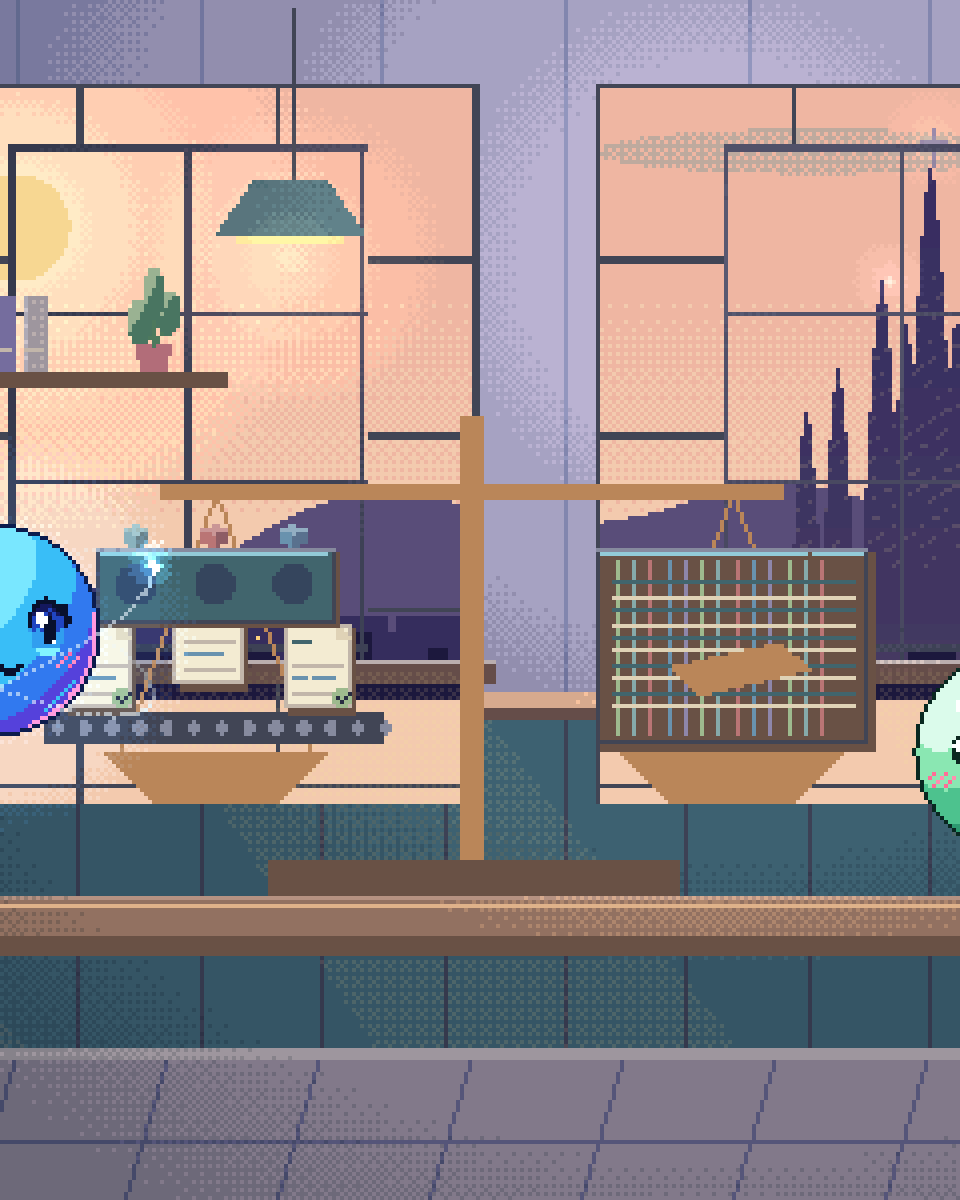
Pixel illustration for No-Code Automation vs Custom AI: a balanced comparison of irregular shapes fitting a checked output template and a loom weaving coloured threads between connected systems.

Start with no-code

Zapier, Make and n8n solve a genuine problem well: connecting systems without writing integration code. Hundreds of pre-built connectors, a visual builder a non-engineer can operate, and a working automation in an afternoon.

For most workflow automation — move this record when that happens, notify someone, sync two systems — they are the correct answer and custom development would be an expensive way to reach the same place. Even where we expect a client to outgrow one, prototyping the workflow there first is often the fastest way to learn what the workflow actually needs to be.

The ceilings below are real, but they are ceilings, not reasons to avoid starting.

The ceilings

01

Per-task pricing at volume

Pricing per run is fine at hundreds and painful at millions. Automations that succeed tend to grow in volume, and the bill grows with them — this is the ceiling teams hit first and least expect.
02

Debugging non-deterministic steps

A visual builder shows a step failed. It rarely shows why an LLM step produced the wrong output, because it has no notion of prompt versions, retrieved context or evaluation. Once an AI step is central, that opacity becomes the bottleneck.
03

No evaluation

At the time of writing none of these platforms offers a mechanism for a golden set, a regression gate or quality tracking over time; confirm against the current feature set of the platform you use. For a notification workflow that does not matter. For anything customer-facing, it means quality changes are invisible until someone complains.
04

Complex state and long-running work

Workflows spanning days, requiring compensation on failure, or holding non-trivial state, exceed what visual builders express cleanly. You end up encoding a state machine in a diagram, which is harder to reason about than the code would have been.
05

Data residency and processing

Data passes through the platform's infrastructure at the time of writing; check each vendor's current data-processing terms and available regions. Where that is contractually or legally prohibited, the platform is unavailable regardless of fit — and self-hosting n8n solves this while leaving the other ceilings in place.
06

The honest sixth: nothing

Plenty of automations never hit any ceiling and should stay exactly where they are. Migrating a working Zapier workflow to custom code because it feels more serious is a pure loss.

The comparison

Compare your options
Most organisations should run both: no-code for the long tail of simple integrations, custom for the few workflows that are business-critical.
Criterion No-code platform Custom AI system
Time to first working version Hours Weeks
Who can build it Anyone technical-ish Engineers
Cost at low volume Very low High upfront
Cost at high volume Grows per run Mostly fixed
Evaluation and quality tracking No Yes
Complex or long-running state Awkward Straightforward
Data stays in your infrastructure Only if self-hosted Yes
Debuggability of AI steps Limited Full traces
Maintenance burden Low Real
Questions

Questions about No-Code Automation vs Custom AI.

Is n8n different because it is self-hostable?

It removes the data-residency ceiling and the per-run pricing one, which are two of the ceilings above — genuinely significant. It does not add evaluation infrastructure or make non-deterministic steps debuggable. For teams that need control but not custom engineering, self-hosted n8n is often the right middle point, and we recommend it regularly.

How do we know when we have hit a ceiling?

Usually one of three signals: the platform bill has become a line item someone asks about; you cannot answer “is this working as well as last month”; or a workflow has grown so many branches nobody wants to touch it. Any of those means the workflow has outgrown the tool.

Can custom and no-code coexist?

They should. Keep no-code for the dozens of small integrations where it excels, and build custom only for the one or two workflows that are business-critical or high-volume. Migrating everything is a common and expensive overreaction to hitting one ceiling.

Would you tell us to stay on no-code?

Regularly. If your automation runs a few thousand times a month, works, and nobody is complaining, moving it is a cost with no benefit. The conversation worth having is about the specific workflow where quality or volume has become a problem — not about the platform in general.

Hit a ceiling?

Tell us which one. Sometimes the fix is smaller than a rebuild.

30-minute call · no deck

Shipped & in build

Real work. Check it yourself.

What we built, what stage it is at, and a link to the live thing wherever there is one.

The updated yourOS homepage: Roxy’s open ring surrounded by bento cards for calls, voice, translation, building, design, apps and more.
The yourOS homepage on a phone, with its compact navigation, welcome film button and bento cards.
youros.tech — the homepage bento hero
Our own · coming soon

yourOS

yourOS is an operating system with an AI at its heart. You talk to it like a person, out loud or typed. It makes your calls, plans your days and works on your projects with a crew of agents, on your own private server. Our own product, built from the first commit; the waitlist is open.


What we built
  • Operating system
  • Roxy
  • Agent crew
  • Voice calls
  • App store
  • Website
Meet yourOS →
The Sonora homepage on desktop: a full-bleed dune landscape behind the headline “Transform Your Life with Sound”, with App Store and Google Play download buttons.
The Sonora homepage on a mobile viewport, showing the same hero reflowed to a single column.
sonora.com — homepage, 1440×900
Live · iOS · Android

Sonora

Website, backend and app assets for Sonora, a free AI sound-therapy app on iOS and Android published by Cognitive AI.

What we built
  • Website
  • Backend
  • App assets
Read the case study →
The updated Podswap homepage on desktop: “Grow on Instagram and TikTok for free, with real engagement from creators your size”, beside a tilted wall of exchange, tool and guide cards on a violet gradient.
The updated Podswap homepage on a phone, with its floating navigation, Instagram and TikTok engagement headline and tilted tool cards.
podswap.app — homepage, 1440×900
Five platforms

Podswap

Brand, website, prototype, apps on five platforms, the AI backend and the algorithm-intelligence pipeline for Podswap, a social growth engine that runs without a human in the loop.

What we built
  • Brand
  • Website
  • Prototype
  • Apps on five platforms
  • AI backend
  • Algorithm pipeline
Read the case study →
The unOpen.AI homepage introducing Roxy, a private AI assistant that remembers who you are.
The unOpen.AI homepage on a mobile viewport.
unopen.ai — homepage, 1440×900
Prototype · closed beta

unOpen.AI

In closed beta: Roxy, a private AI assistant with permanent memory running on infrastructure the user owns. Brand, site, product, backend and conversational design.

What we built
  • Brand
  • Site
  • Product
  • Backend
  • Conversational design
Read the case study →
coherence.com on desktop, headed "Intelligence that moves in phase with people".
coherence.com on a mobile viewport, reflowed to a single column.
coherence.com — homepage, 1440×900
Live

Coherence

Live at coherence.com: brand identity generated with AI agents we directed, the motion system and website for the group behind Sonora, AboutAI, WakeUp and MudShadows. Agent work remains in build.

What we built
  • Brand identity
  • Motion system
  • Live website
  • Agent work — in build
Read the case study →
The new Domain Booth homepage on desktop: the headline “Premium Domains. Serious Buyers. Proven Results.” beside the animated DB monogram.
The new Domain Booth homepage on a phone, reflowed to a single column.
Our build of the Domain Booth homepage — 1440×900
Live

Domain Booth

Live at domainbooth.com for DomainBooth, a premium domain brokerage: a new animated mark, every page redesigned and rebuilt with designed mobile layouts, and a custom CMS for its sales record, featured names, press and enquiries.

What we built
  • Animated mark
  • Every page redesigned
  • Designed mobile layouts
  • Custom CMS
Read the case study →
Who we have built for

Twenty-one years. Names you know.

Apps, platforms and campaigns for these teams, long before the AI work. Every one is written up on the work page — what we did, and where our part ended.

See all of our work →
  • BBC Good Food logo
  • Charities Aid Foundation logo
  • GAME logo
  • NatWest logo
  • Next logo
  • NSPCC logo
  • Tesco logo
  • Worldpay logo
  • Samsung logo
  • Sony logo
  • Land Rover logo
  • UAP Limited logo
  • Netflix logo
  • Amazon Prime Video logo
  • Mercedes-Benz dealerships logo
  • San Miguel logo
  • Biovene Barcelona logo
  • Seventy7 logo
  • Littlewoods logo
  • Smile logo
  • The Co-operative Bank logo





















