Dark theme
WELCOME TO QQUANTUM

Let Qubi show you around.

Choose how you’d like to explore.

Don’t agreeGo to yourOS instead ↗

Both choices allow Google Analytics, so we can see which pages help.

Sound is your choice. Essential cookies keep the site working. Continuing either way also allows Google Analytics (visits and pages viewed).

Read our Terms, Privacy and Cookies.

Change your choices anytime from the footer.

Getting Qubi ready.
Infrastructure

Private data centre.
Your own rack.

Between a public API and a server room in your building sits the option most organisations do not know they have: dedicated hardware in a professional facility, running weights you chose, under a contract in your name — single tenancy without becoming a data-centre operator.

  • Single tenancy
  • Hardware in your name
  • Choice of jurisdiction
All AI Hosting & Infrastructure →
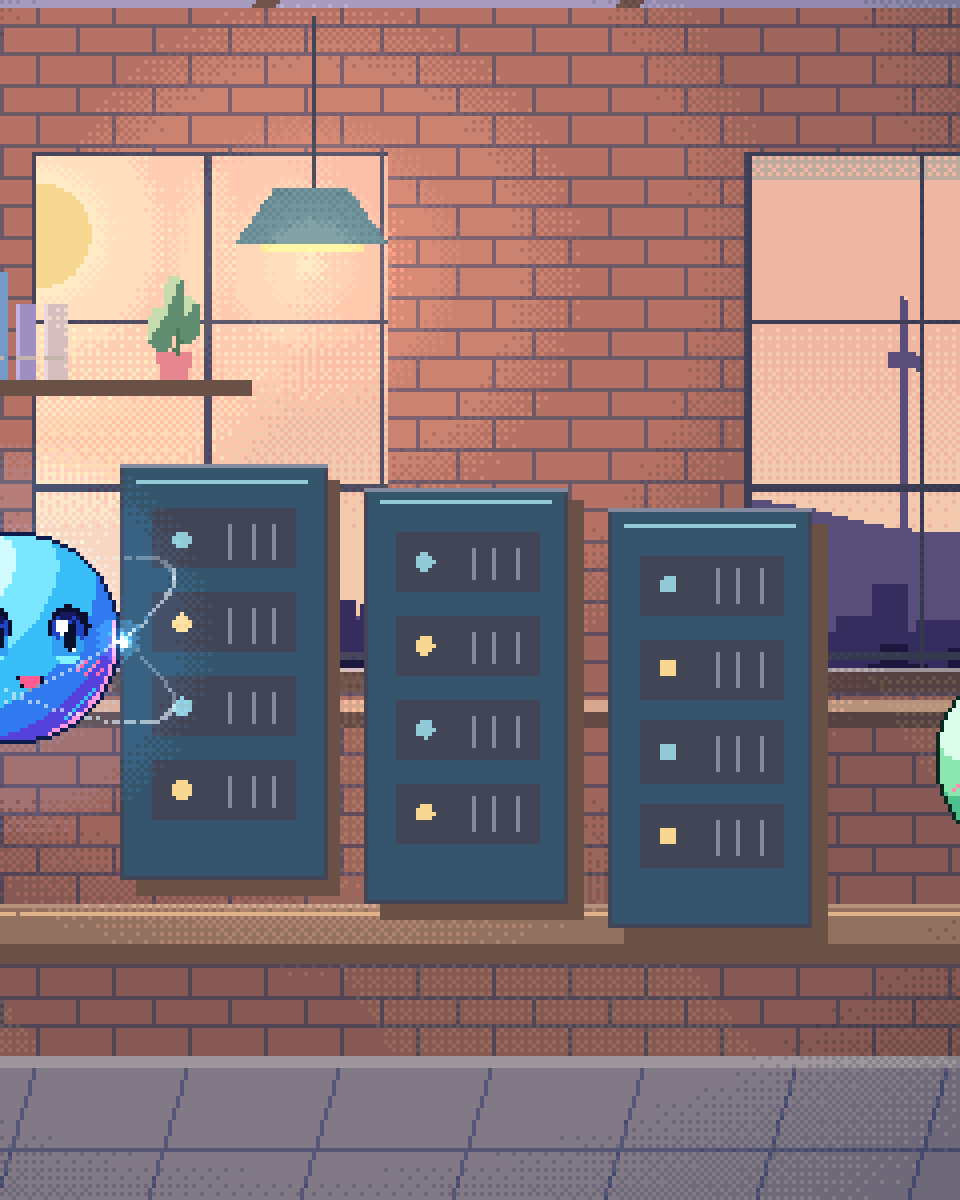
Pixel illustration for Private Data Centre Hosting: a row of server cabinets under cool status lights.

What it is, precisely

You lease space, power and connectivity in a colocation facility. Inside that space sits hardware you own or lease directly — GPUs, storage, networking — running an open-weight model and the serving stack around it. The facility provides the building, the power, the cooling and the physical security. Nobody else's workload runs on your accelerators, and no other tenant shares your memory.

The distinction from cloud GPU rental is meaningful and frequently blurred by people selling the latter. A cloud GPU instance is a slice of somebody else's fleet, allocated to you for as long as you pay, on hardware that also serves others and in a control plane you do not own. A colocated machine is your machine. You know its serial number. You can specify who is permitted to touch it and you can require that access be logged. For a regulated organisation those distinctions are easier to evidence to an auditor than a shared-tenancy assurance.

The distinction from on-premise is equally clear. The hardware is not in your building, so someone else provides the power redundancy, the fire suppression, the cooling and the physical guarding — all of which are expensive to build and unglamorous to maintain. You get most of the control of on-premise without the capital project.

When this is the right middle

01

No suitable space on site

A GPU node draws serious power and produces serious heat and noise. Many offices simply cannot host one, and retrofitting a room with the power and cooling to do so is a building project. Colocation solves that without a building project.
02

Jurisdiction is a requirement

You can choose the country and often the specific facility. For an organisation that has to state where its data physically sits — and increasingly to state which legal system can compel access to it — that is a direct answer rather than a regional label on a cloud console.
03

Single tenancy matters

Where the objection is to shared infrastructure rather than to remote infrastructure. Your model, your memory, your accelerators, no co-tenants — which answers a specific and common line of security questioning.
04

Resilience without redundancy at home

Professional facilities provide power redundancy, cooling and network diversity that would be disproportionate to build in an office. If the AI is load-bearing, that difference matters more than it sounds.

What we do

  1. STEP 01

    Sizing

    Model selection and hardware specification from your actual workload — concurrency, context length, latency target and growth. This decides everything downstream, so it is done properly rather than from a template.

  2. STEP 02

    Facility and procurement

    Selecting a facility in the jurisdiction you need, specifying the hardware, and putting the contracts in your name. We advise; you own the relationship, because a supplier relationship held by your consultancy is a dependency you did not ask for.

  3. STEP 03

    Build

    Racking, networking, the serving stack, private connectivity back to your network, retrieval layer and observability. Delivered as infrastructure-as-code into your repositories so it can be rebuilt without us.

  4. STEP 04

    Validation

    Evaluation suite against your real tasks, load testing at your projected concurrency, failover behaviour, and the runbook for what happens when a card fails.

  5. STEP 05

    Operate or hand over

    We run it under support, or your team does with the documentation we leave. Both paths are supported and the choice is reversible.

The honest trade-offs

  • It is a commitment.

    Colocation contracts run in years and hardware is bought rather than rented. That is exactly what makes the cost predictable, and it is also what makes it wrong for anyone whose requirements might change fundamentally in six months. Prove the use case first, on an API, then commit.
  • Somebody has to go there occasionally.

    Rarely — remote hands services cover most of it — but hardware fails, and when it does a physical person is involved. Factor that into the operating model rather than discovering it during an incident.
  • It is not on-premise.

    The data is on your hardware but not in your building, and it crosses a network link to get there. We build that link as a private, encrypted connection, and for the overwhelming majority of requirements it is fine — but if the actual requirement is that data never traverses a wire you do not own, this option does not meet it and on-premise does.
Questions

Questions about Private Data Centre Hosting.

How is this different from renting cloud GPUs?

Ownership and tenancy. A cloud GPU is a slice of a shared fleet under someone else's control plane, billed by the hour and reallocated when you stop paying. A colocated machine is yours, single-tenant, with a serial number and a documented access list. For most workloads the cloud option is fine; where an auditor is going to ask who else could reach the hardware, it is not.

Can we choose the country?

Yes, and we would encourage you to make it a deliberate choice rather than a default. The relevant question is not only where the building is but which legal system can compel access to what is inside it, which is covered on the data residency page.

Who owns the hardware?

You do, and the facility contract is in your name. We advise on specification and manage the build, but we do not sit between you and your infrastructure. If our engagement ends, nothing about your deployment changes.

What does it cost compared to an API?

Predictable rather than usage-linked, which is the point. The crossover volume depends on your workload and we calculate it explicitly rather than asserting it — the business case page sets out the method, including hardware depreciation and operator time.

Single tenancy,
no server room.

We size it, source it, build it and validate it. The contracts stay in your name.

30-minute technical call · no deck

Shipped & in build

Real work. Check it yourself.

What we built, what stage it is at, and a link to the live thing wherever there is one.

The updated yourOS homepage: Roxy’s open ring surrounded by bento cards for calls, voice, translation, building, design, apps and more.
The yourOS homepage on a phone, with its compact navigation, welcome film button and bento cards.
youros.tech — the homepage bento hero
Our own · coming soon

yourOS

yourOS is an operating system with an AI at its heart. You talk to it like a person, out loud or typed. It makes your calls, plans your days and works on your projects with a crew of agents, on your own private server. Our own product, built from the first commit; the waitlist is open.


What we built
  • Operating system
  • Roxy
  • Agent crew
  • Voice calls
  • App store
  • Website
Meet yourOS →
The Sonora homepage on desktop: a full-bleed dune landscape behind the headline “Transform Your Life with Sound”, with App Store and Google Play download buttons.
The Sonora homepage on a mobile viewport, showing the same hero reflowed to a single column.
sonora.com — homepage, 1440×900
Live · iOS · Android

Sonora

Website, backend and app assets for Sonora, a free AI sound-therapy app on iOS and Android published by Cognitive AI.

What we built
  • Website
  • Backend
  • App assets
Read the case study →
The updated Podswap homepage on desktop: “Grow on Instagram and TikTok for free, with real engagement from creators your size”, beside a tilted wall of exchange, tool and guide cards on a violet gradient.
The updated Podswap homepage on a phone, with its floating navigation, Instagram and TikTok engagement headline and tilted tool cards.
podswap.app — homepage, 1440×900
Five platforms

Podswap

Brand, website, prototype, apps on five platforms, the AI backend and the algorithm-intelligence pipeline for Podswap, a social growth engine that runs without a human in the loop.

What we built
  • Brand
  • Website
  • Prototype
  • Apps on five platforms
  • AI backend
  • Algorithm pipeline
Read the case study →
The unOpen.AI homepage introducing Roxy, a private AI assistant that remembers who you are.
The unOpen.AI homepage on a mobile viewport.
unopen.ai — homepage, 1440×900
Prototype · closed beta

unOpen.AI

In closed beta: Roxy, a private AI assistant with permanent memory running on infrastructure the user owns. Brand, site, product, backend and conversational design.

What we built
  • Brand
  • Site
  • Product
  • Backend
  • Conversational design
Read the case study →
coherence.com on desktop, headed "Intelligence that moves in phase with people".
coherence.com on a mobile viewport, reflowed to a single column.
coherence.com — homepage, 1440×900
Live

Coherence

Live at coherence.com: brand identity generated with AI agents we directed, the motion system and website for the group behind Sonora, AboutAI, WakeUp and MudShadows. Agent work remains in build.

What we built
  • Brand identity
  • Motion system
  • Live website
  • Agent work — in build
Read the case study →
The new Domain Booth homepage on desktop: the headline “Premium Domains. Serious Buyers. Proven Results.” beside the animated DB monogram.
The new Domain Booth homepage on a phone, reflowed to a single column.
Our build of the Domain Booth homepage — 1440×900
Live

Domain Booth

Live at domainbooth.com for DomainBooth, a premium domain brokerage: a new animated mark, every page redesigned and rebuilt with designed mobile layouts, and a custom CMS for its sales record, featured names, press and enquiries.

What we built
  • Animated mark
  • Every page redesigned
  • Designed mobile layouts
  • Custom CMS
Read the case study →
Who we have built for

Twenty-one years. Names you know.

Apps, platforms and campaigns for these teams, long before the AI work. Every one is written up on the work page — what we did, and where our part ended.

See all of our work →
  • BBC Good Food logo
  • Charities Aid Foundation logo
  • GAME logo
  • NatWest logo
  • Next logo
  • NSPCC logo
  • Tesco logo
  • Worldpay logo
  • Samsung logo
  • Sony logo
  • Land Rover logo
  • UAP Limited logo
  • Netflix logo
  • Amazon Prime Video logo
  • Mercedes-Benz dealerships logo
  • San Miguel logo
  • Biovene Barcelona logo
  • Seventy7 logo
  • Littlewoods logo
  • Smile logo
  • The Co-operative Bank logo





















