Dark theme
WELCOME TO QQUANTUM

Let Qubi show you around.

Choose how you’d like to explore.

Don’t agreeGo to yourOS instead ↗

Both choices allow Google Analytics, so we can see which pages help.

Sound is your choice. Essential cookies keep the site working. Continuing either way also allows Google Analytics (visits and pages viewed).

Read our Terms, Privacy and Cookies.

Change your choices anytime from the footer.

Getting Qubi ready.
Manufacturing

Quality inspection.
Lighting first.

Visual inspection is one of the genuinely mature applications of machine learning in industry. It also fails for reasons that have almost nothing to do with the model: inconsistent illumination, parts that move, and a defect class with eleven examples.

All Manufacturing →
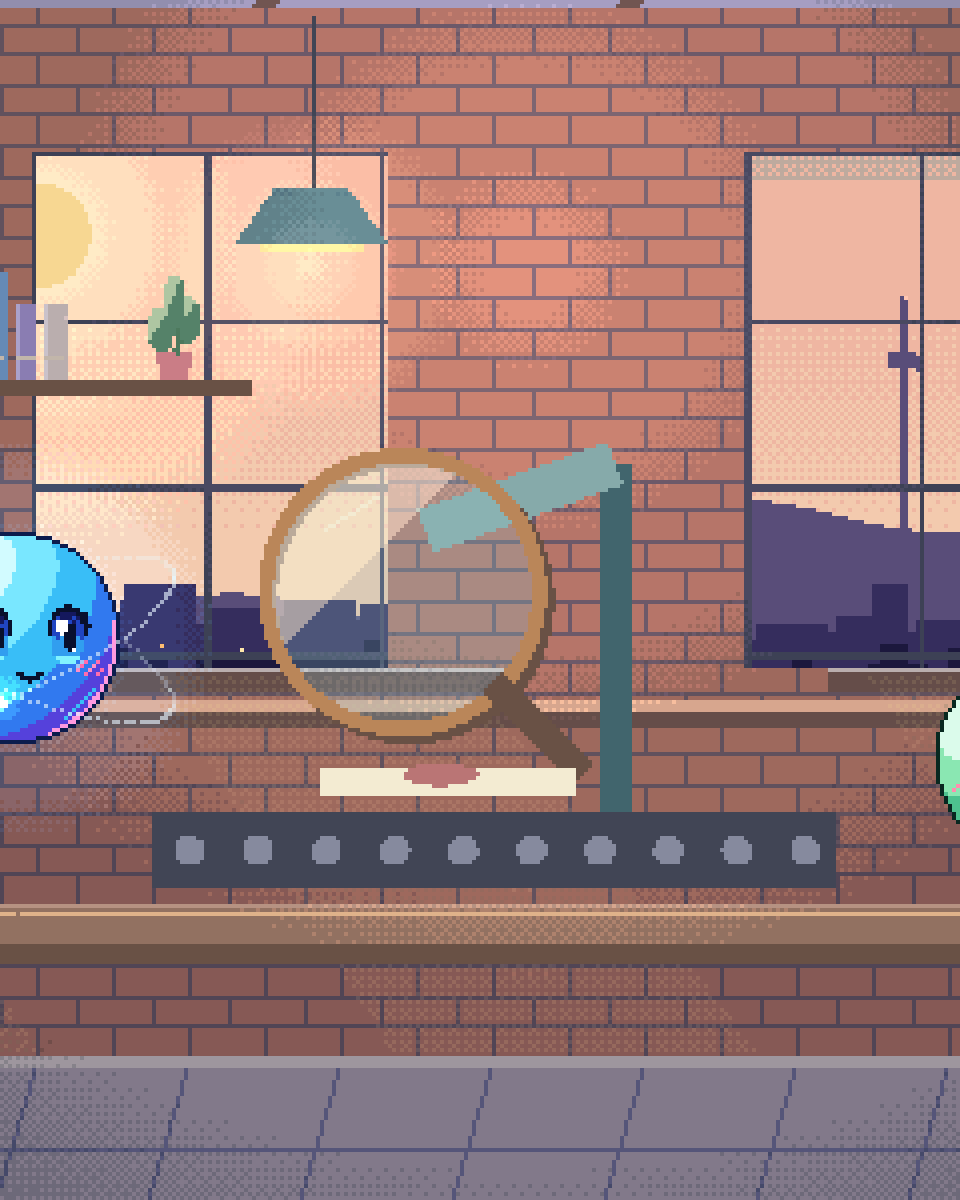
Pixel illustration for Quality Inspection: a lit inspection lens examining one item on a production belt.

The physical setup is the project

A vision system that works in the pilot cell and fails on the line has usually not encountered a harder problem — it has encountered a different one. Ambient light changing through the day. A part presented at a slightly different angle. A camera slowly drifting out of focus from vibration. Each one shifts the input distribution away from what the model was trained on, and the model degrades without announcing it.

Controlled illumination, consistent fixturing and a fixed camera position remove most of that variance for a fraction of what is spent on model development. Most experienced practitioners in this field will tell you the same thing, and it remains the most commonly skipped step because it is a mechanical engineering job in the middle of a software project.

The second reality is class imbalance. A well-run line produces very few defects, which is the point — and it means the interesting class is rare. Anomaly detection trained on normal parts is frequently more practical than classification trained on defect types, and augmenting a handful of real defect images does not substitute for having seen the failure mode.

What we build around the model

01

Drift detection on the input

Monitoring the images themselves, not just the predictions. Brightness, focus and part position tracked against the training distribution, so a dirty lens or a moved fixture is caught as a data alert rather than as a mysterious accuracy decline weeks later.
02

A defect library that grows

Every confirmed defect captured, labelled and added to the evaluation set. Over a year this becomes the most valuable asset in the system, and it only exists if capturing it is part of the operator workflow.
03

Tunable operating point

False rejects cost yield; false accepts cost a customer complaint or a recall. The threshold between them is a business decision that changes by product and by customer, and it must be adjustable by quality staff without a redeploy.
04

Operator review that closes the loop

Borderline cases routed to a person whose decision feeds back as a label. This is what makes the system improve rather than plateau, and it is a workflow design problem more than a technical one.

Measured properly

Overall accuracy is close to meaningless on an imbalanced line — a model that passes everything scores well and catches nothing. What matters is recall on each defect class separately, false reject rate at the chosen operating point, and the cost-weighted combination of the two using your actual scrap and complaint costs.

Rare defect classes need reporting individually and honestly, including the confidence interval. A class with eleven training examples has a recall estimate with an interval so wide it barely constrains anything, and presenting it as a point number is the kind of overstatement that ends badly at the first escape.

From capture to review

INSPECTION PATH
  1. 01
    Controlled capture

    fixed light, fixture, focus

  2. 02
    Input drift check

    against the training distribution

  3. 03
    Inference

    on the line, no internet

  4. 04
    Operating point

    set by quality, not by us

  5. 05
    Accept or reject

    cost-weighted, per product

  6. 06 · Branch / escalation
    Operator review

    borderline cases become labels

Solid: the inspection pathDashed: the review loop that grows the defect library
Monitoring the images, not only the predictions, is what catches a dirty lens before it becomes a mysterious accuracy decline.
Questions

Questions about Quality Inspection.

How many defect images do we need?

More than you have, almost always. Hundreds per class is comfortable; dozens is workable with anomaly-detection framing; a handful means you are validating a concept rather than deploying a classifier. We would rather set that expectation up front than discover it at acceptance testing.

Can it run at line speed?

Generally yes. Inspection models are small and run on modest edge hardware at frame rates well beyond most line speeds. Where it gets tight is very high-speed lines or very high-resolution imaging, and that is a sizing question we answer before committing.

Does it need to connect to the internet?

No, and it should not. The model runs on the line, on the plant network. Training and retraining can happen elsewhere and be deployed as an artefact, which is the same controlled-media pattern used in air-gapped environments.

Fix the lighting
first.

It is the cheapest accuracy improvement available and the one most projects skip.

30-minute technical call · no deck

Shipped & in build

Real work. Check it yourself.

What we built, what stage it is at, and a link to the live thing wherever there is one.

The updated yourOS homepage: Roxy’s open ring surrounded by bento cards for calls, voice, translation, building, design, apps and more.
The yourOS homepage on a phone, with its compact navigation, welcome film button and bento cards.
youros.tech — the homepage bento hero
Our own · coming soon

yourOS

yourOS is an operating system with an AI at its heart. You talk to it like a person, out loud or typed. It makes your calls, plans your days and works on your projects with a crew of agents, on your own private server. Our own product, built from the first commit; the waitlist is open.


What we built
  • Operating system
  • Roxy
  • Agent crew
  • Voice calls
  • App store
  • Website
Meet yourOS →
The Sonora homepage on desktop: a full-bleed dune landscape behind the headline “Transform Your Life with Sound”, with App Store and Google Play download buttons.
The Sonora homepage on a mobile viewport, showing the same hero reflowed to a single column.
sonora.com — homepage, 1440×900
Live · iOS · Android

Sonora

Website, backend and app assets for Sonora, a free AI sound-therapy app on iOS and Android published by Cognitive AI.

What we built
  • Website
  • Backend
  • App assets
Read the case study →
The updated Podswap homepage on desktop: “Grow on Instagram and TikTok for free, with real engagement from creators your size”, beside a tilted wall of exchange, tool and guide cards on a violet gradient.
The updated Podswap homepage on a phone, with its floating navigation, Instagram and TikTok engagement headline and tilted tool cards.
podswap.app — homepage, 1440×900
Five platforms

Podswap

Brand, website, prototype, apps on five platforms, the AI backend and the algorithm-intelligence pipeline for Podswap, a social growth engine that runs without a human in the loop.

What we built
  • Brand
  • Website
  • Prototype
  • Apps on five platforms
  • AI backend
  • Algorithm pipeline
Read the case study →
The unOpen.AI homepage introducing Roxy, a private AI assistant that remembers who you are.
The unOpen.AI homepage on a mobile viewport.
unopen.ai — homepage, 1440×900
Prototype · closed beta

unOpen.AI

In closed beta: Roxy, a private AI assistant with permanent memory running on infrastructure the user owns. Brand, site, product, backend and conversational design.

What we built
  • Brand
  • Site
  • Product
  • Backend
  • Conversational design
Read the case study →
coherence.com on desktop, headed "Intelligence that moves in phase with people".
coherence.com on a mobile viewport, reflowed to a single column.
coherence.com — homepage, 1440×900
Live

Coherence

Live at coherence.com: brand identity generated with AI agents we directed, the motion system and website for the group behind Sonora, AboutAI, WakeUp and MudShadows. Agent work remains in build.

What we built
  • Brand identity
  • Motion system
  • Live website
  • Agent work — in build
Read the case study →
The new Domain Booth homepage on desktop: the headline “Premium Domains. Serious Buyers. Proven Results.” beside the animated DB monogram.
The new Domain Booth homepage on a phone, reflowed to a single column.
Our build of the Domain Booth homepage — 1440×900
Live

Domain Booth

Live at domainbooth.com for DomainBooth, a premium domain brokerage: a new animated mark, every page redesigned and rebuilt with designed mobile layouts, and a custom CMS for its sales record, featured names, press and enquiries.

What we built
  • Animated mark
  • Every page redesigned
  • Designed mobile layouts
  • Custom CMS
Read the case study →
Who we have built for

Twenty-one years. Names you know.

Apps, platforms and campaigns for these teams, long before the AI work. Every one is written up on the work page — what we did, and where our part ended.

See all of our work →
  • BBC Good Food logo
  • Charities Aid Foundation logo
  • GAME logo
  • NatWest logo
  • Next logo
  • NSPCC logo
  • Tesco logo
  • Worldpay logo
  • Samsung logo
  • Sony logo
  • Land Rover logo
  • UAP Limited logo
  • Netflix logo
  • Amazon Prime Video logo
  • Mercedes-Benz dealerships logo
  • San Miguel logo
  • Biovene Barcelona logo
  • Seventy7 logo
  • Littlewoods logo
  • Smile logo
  • The Co-operative Bank logo





















